Your inbox, as chats.
Every sender becomes a conversation. People first, noise last.
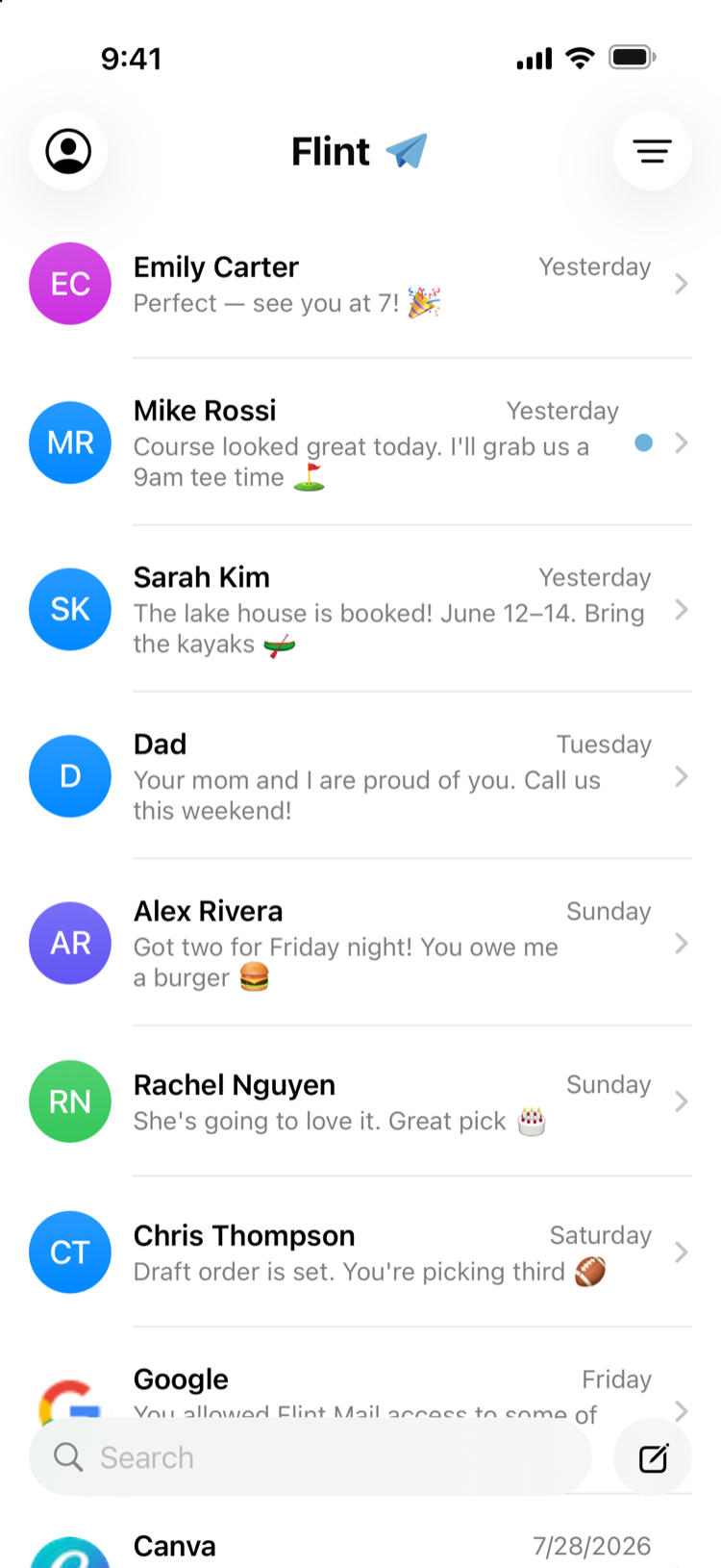

Flint turns every sender into a conversation. Bubbles instead of chains, replies instead of rituals. Your inbox finally reads like your messages.
Free at launch. iPhone first, Android to follow.
Every sender becomes a conversation. People first, noise last.
Real email underneath. Bubbles, photos and emoji on top.
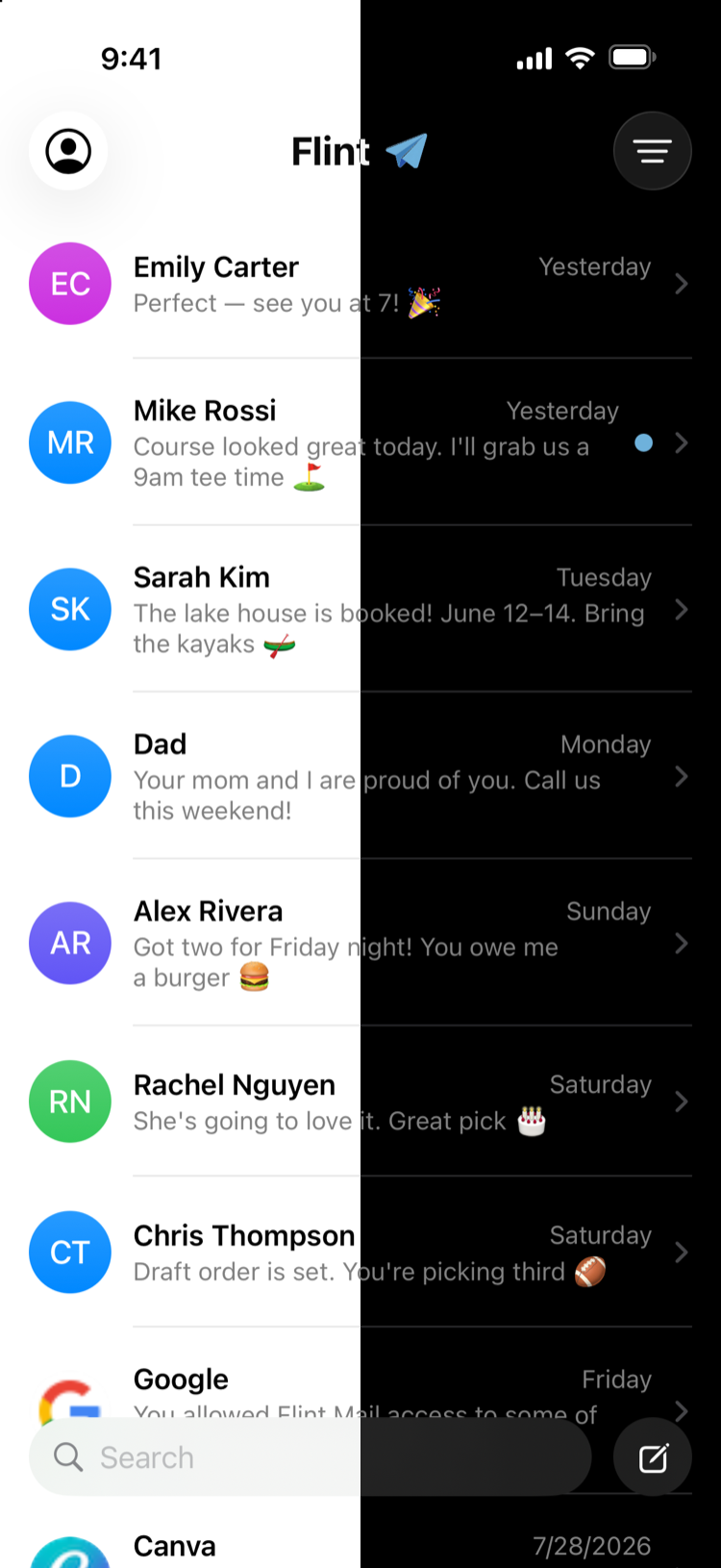
Flint follows your iPhone, or you can set the mood yourself.
All your addresses, one chat list.
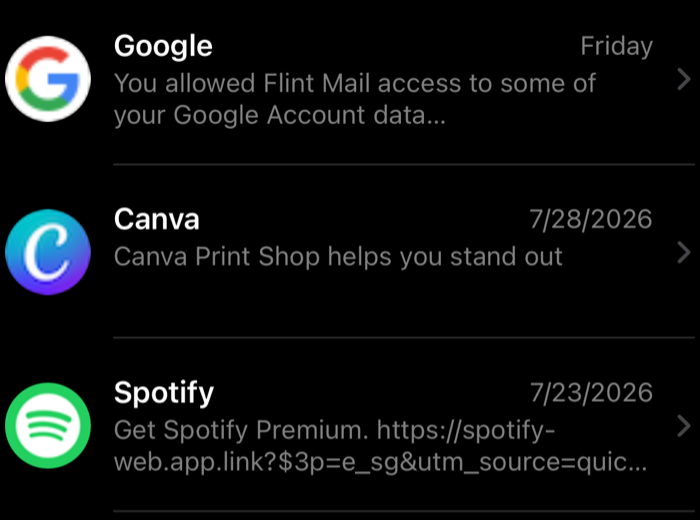
Brands get their logos and their own lane.
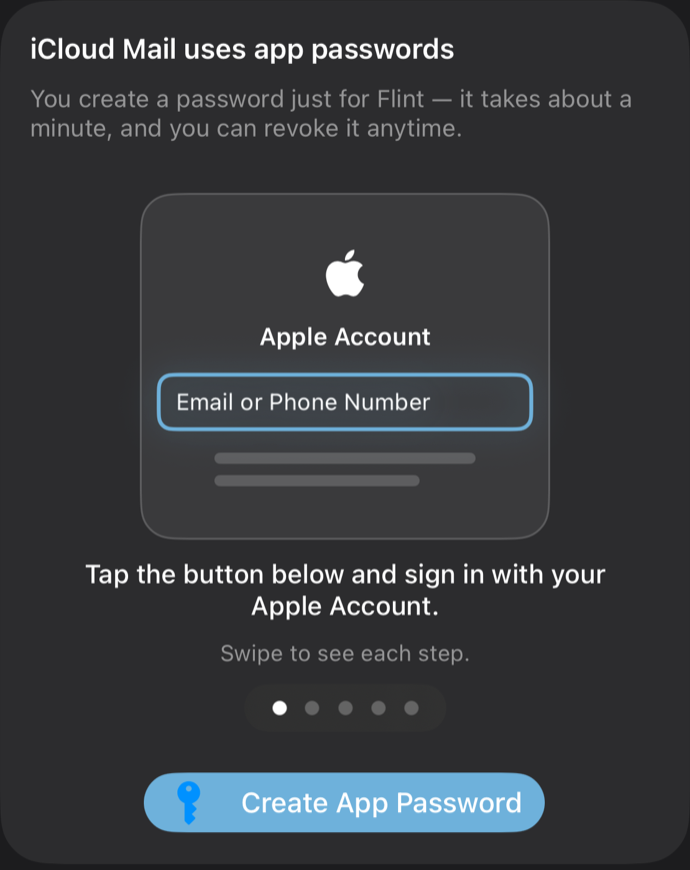
Connecting an account never feels like homework. Flint walks you through each provider, step by illustrated step, right inside the app.
Every reply you get is buried in quoted history. Flint reads the chain so you don't have to.
Perfect, see you at 7!
Underneath the bubbles it's real, full-fat email, sent from your own address and synced with your provider.
Replies are bubbles, not a wall of quoted history. Catching up on a conversation takes seconds.
Gmail, Outlook, iCloud, Yahoo and AOL in one app, with instant account switching.
Flint has no mail servers. Your messages and credentials live on your iPhone and nowhere else.
Your whole mailbox is cached on-device, so search is instant, even in Airplane Mode.
Outgoing mail is queued safely on your device and sent exactly once. Never lost, never duplicated.
Reads, sends and deletes sync back to your provider, so every other device stays up to date.
Most email apps route your mail through their cloud. Flint doesn't have one. Mail syncs directly between your iPhone and your provider, and your sign-in stays in the iOS Keychain.
Read the privacy policy →Traditional apps show email the way servers store it: threads full of quoted history, subject lines, and signatures. Flint reads the thread for you and shows just what each person actually said, as chat bubbles, grouped by sender, newest at the bottom. It feels like Messages, but every message is real email.
Gmail and Google Workspace, Outlook and Microsoft 365, iCloud Mail, Yahoo, AOL, and any standard IMAP mailbox. You can connect several at once and switch instantly.
On your iPhone, in an encrypted local cache. That's also why search and scrolling are instant. Flint talks directly to your mail provider; there is no Flint cloud in between, and your credentials never leave the iOS Keychain.
No. What you send is a normal email, from your normal address, with proper reply threading. Recipients can't tell you sent it from Flint.
Flint is in final testing and coming soon to the App Store for iPhone. It will be free to download at launch.